
Explore OneAdmin
Site notes. Photos. One clear record.
Capture the update, keep the photos and find the context later.
Open EzyRecordsSign-in required · Workspace permissions apply
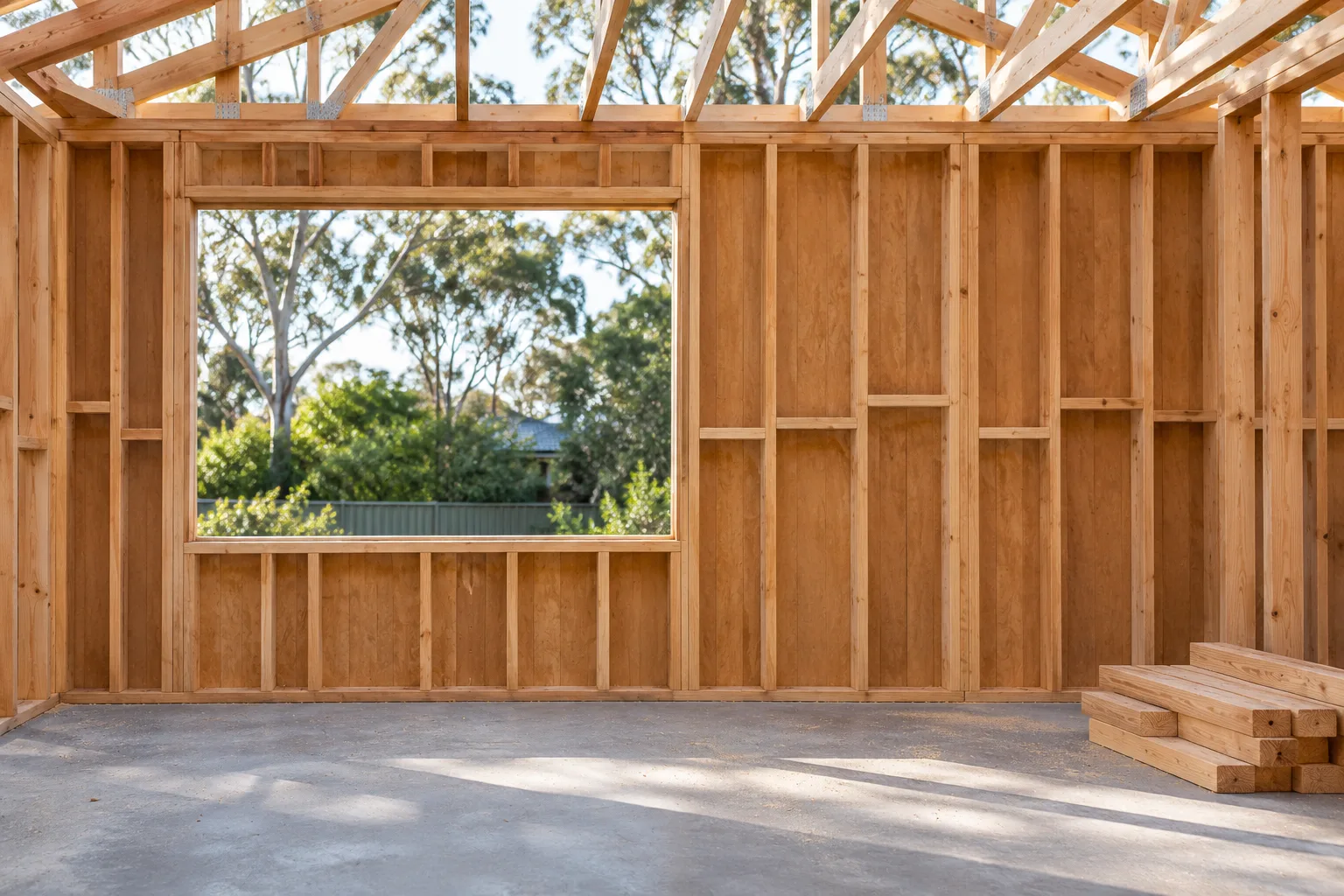
18 Nov 2026 · 9:15 am
Morning framing update
Window opening photographed. Keep this view with the site notes for the next visit.
A little context goes a long way.
- 01
Capture the update
Add a note and the photos that explain it.
- 02
Connect the context
Keep it on its own or link an accessible project.
- 03
Find it later
Return to your timeline and filter by project.
Good to know.
The details, when you need them.
Access, voice and delivery limits
- Sign-in is required. Workspace permissions determine which projects and team records you can see; unlinked records remain private to their author.
- Voice recording and transcription depend on workspace configuration, available allowance, network access and browser microphone permission. Review any generated text for accuracy.
- Records do not automatically issue an inspection report, certificate or customer email. Use the relevant reviewed workflow when formal delivery is needed.
What can I keep in an EzyRecords entry?
A record can include text notes, supported photos, photo descriptions and editable photo annotations. You can review its title and date, then optionally link it to a project you can access.
Can I use EzyRecords without linking a project?
Yes. You can keep an unlinked record. Linking a project makes it available to authorised project viewers under the workspace permissions; it does not make the record public.
Can I add a voice note?
Voice recording and transcription are available when enabled and within the workspace allowance. They need network access and microphone permission. You can still type notes and add photos without using transcription minutes.
Does EzyRecords send a report to my customer?
No. EzyRecords keeps the underlying notes and photos. For a structured inspection or customer paperwork, continue in the appropriate OneAdmin module and review the result before delivery.
When the next step needs more.
Keep the next update together.
Open EzyRecords